Profile Border logoProfile Border | Chrome Extension

Instantly Identify Every Chrome Profile with Color-Coded Borders

Stop guessing which Chrome window belongs to which account.

Profile Border is a Chrome extension that adds customizable colored borders to your browser windows, making it easy to tell your work, personal, client, or business profiles apart.

Whether you're managing multiple Google accounts, switching between businesses, or juggling dozens of Chrome windows, Profile Border helps you find the right one at a glance.

Try Profile Border Free

7-day free trial · $9.99 one-time purchase · No monthly subscription
Multiple Google Chrome profile windows displayed in Mac Mission Control with green, yellow, blue, red, and purple borders created by the Profile Border Chrome extension.
See exactly which Chrome profile is which - even when all your windows are open in Mac Mission Control.

Too Many Chrome Profiles. Not Enough Ways to Tell Them Apart.

If you use Google Chrome for multiple businesses, clients, or personal accounts, you probably know the frustration.

You have several Chrome windows open. They all look nearly identical. You're constantly clicking between them, checking profile icons, or opening the wrong account.

Chrome lets you assign different profile themes, but those colors aren't always easy to distinguish when you're viewing several windows at once.

That's exactly why Profile Border exists.

Instead of relying on tiny profile icons or subtle browser colors, Profile Border places a visible, customizable colored border around your Chrome windows.

Green for your personal profile. Blue for work. Red for one client. Yellow for another. You choose the colors. You know which window is which.

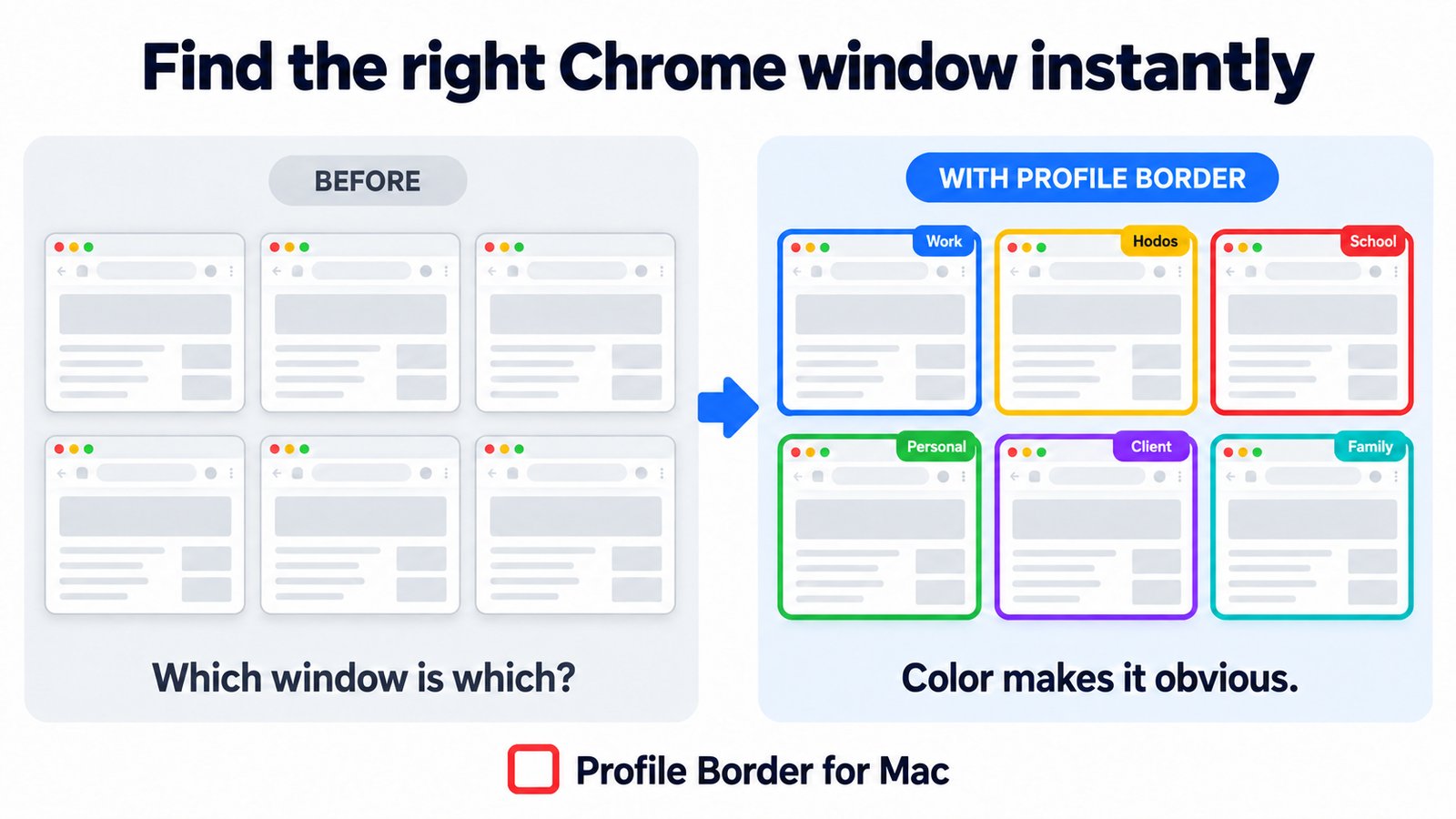
Before and after comparison: six identical gray Chrome windows labeled 'Which window is which?' next to the same windows with blue, yellow, red, green, purple, and teal Profile Border outlines labeled 'Color makes it obvious.'

Make Every Chrome Window Instantly Recognizable

Create a visually distinct workspace without changing how you use Chrome.

Color-Code Each Chrome Profile

Assign a different border color to each Chrome profile. Identify your work, personal, business, and client accounts without having to inspect tabs or profile icons.

See Your Profiles in Mac Mission Control

If you use Mission Control on a Mac to view all your open windows, Profile Border helps you visually distinguish supported Chrome windows using their colored borders. No more scanning nearly identical browser previews to find the right account.

Identify Windows in Windows Task View

Profile Border also works on Windows, helping distinguish Chrome windows when switching between them, including in Windows Task View.

Customize the Look

Choose your own border colors, adjust border thickness, and enable an optional glow effect for additional visibility. You can also add a custom profile or window label.

Thin While Working. Bold When Inactive.

Keep borders subtle while you're actively working. Profile Border can display a thinner border for the active window and a thicker one when the window becomes inactive.

Separate Settings for Every Profile

Each Chrome profile saves its own border preferences. Customize each profile independently so your colors stay consistent.

Get Organized in Just a Few Clicks

  1. 1

    Step 1: Install Profile Border

    Add the extension from the official Chrome Web Store and start your free 7-day trial.

  2. 2

    Step 2: Choose Your Color

    Open the extension and select a border color, thickness, optional glow, and profile label.

  3. 3

    Step 3: Customize Your Other Profiles

    Install Profile Border in each Chrome profile you want to distinguish and assign a different color.

  4. 4

    Step 4: Find the Right Window Faster

    When switching between browser windows or viewing multiple windows in Mission Control or Task View, use the colored borders to identify the profile you need.

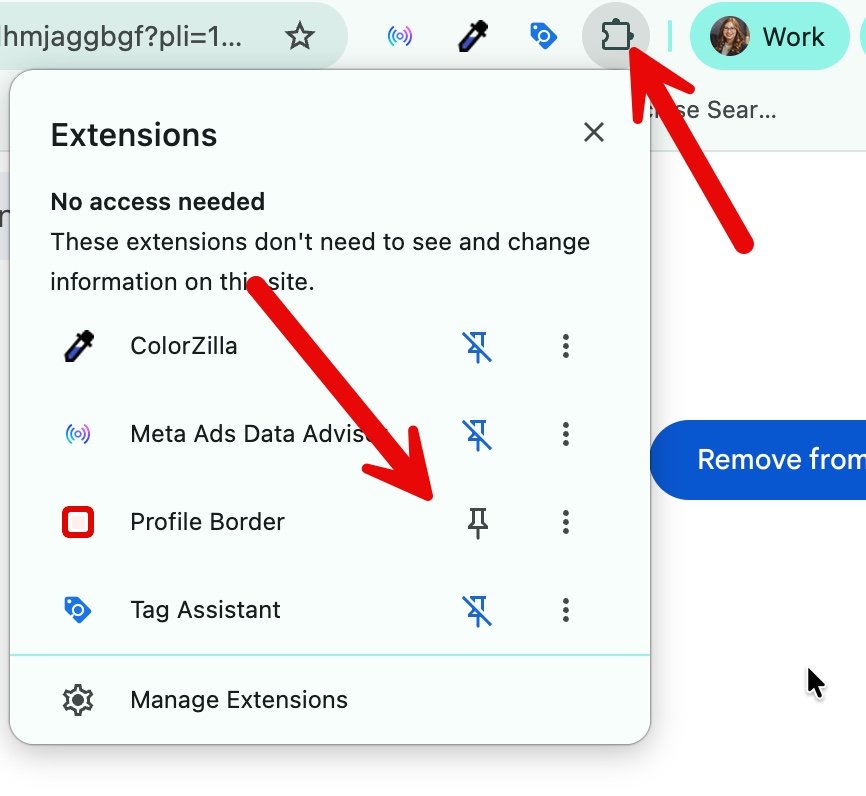
Chrome Extensions menu open with arrows pointing to the puzzle-piece icon and the pin button next to Profile Border.
Tip: pin Profile Border from the Extensions menu so it's one click away.
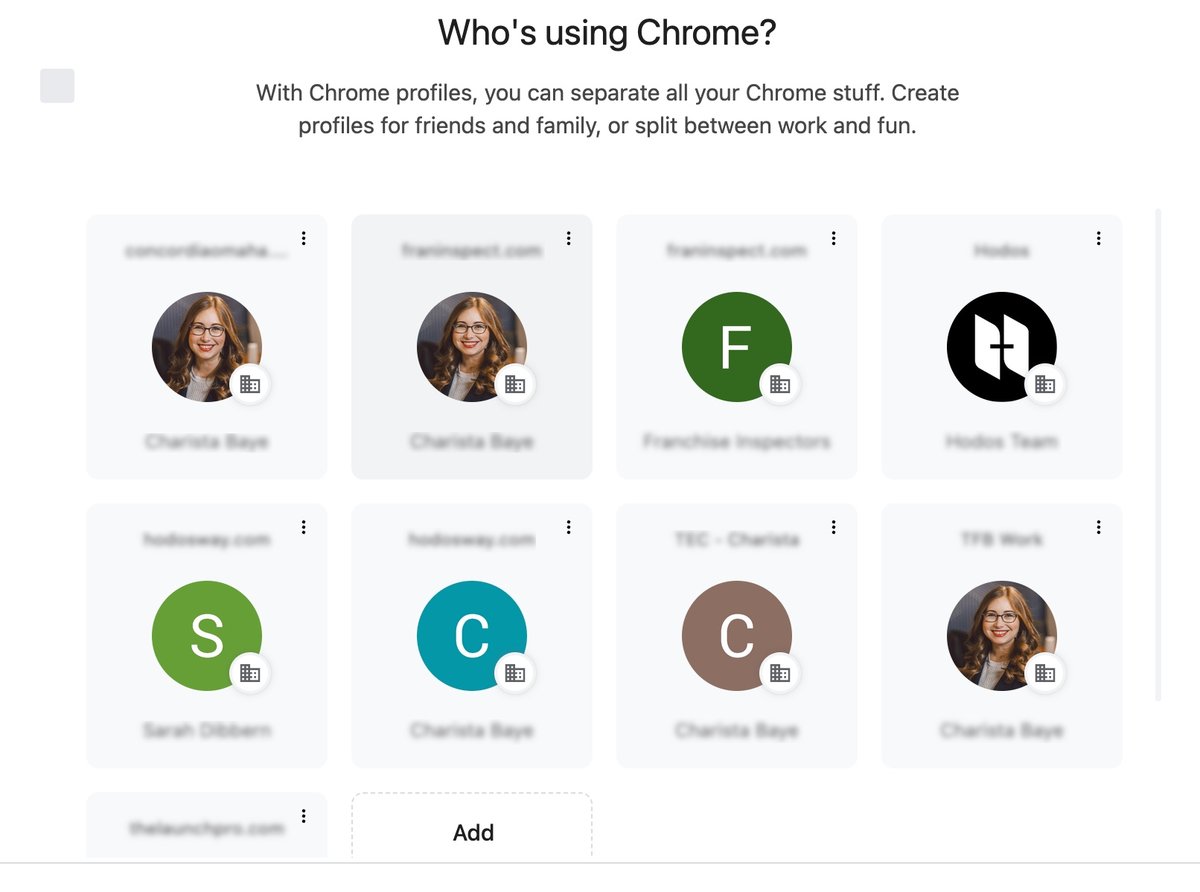
Chrome's 'Who's using Chrome?' screen showing eight separate Chrome profiles.
Install it in each Chrome profile you want to color-code.

Built for People Who Live in Multiple Chrome Profiles

Business Owners & Entrepreneurs

Keep separate Chrome profiles for different companies, projects, or business accounts.

Marketing Agencies & Freelancers

Quickly identify Chrome windows for different clients, advertising accounts, email inboxes, and websites.

Remote Workers

Separate personal browsing from your employer's Chrome profile.

Virtual Assistants & Account Managers

Spend less time figuring out which account you're using when managing several clients.

Anyone with Multiple Google Accounts

Whether you're using two profiles or ten, Profile Border makes each one more recognizable.

See Profile Border in Action

One Look. The Right Chrome Profile.

When you're working across several Chrome accounts, the small profile icons and browser themes aren't always enough. Profile Border adds a more noticeable visual cue so you can recognize your Chrome windows at a glance.

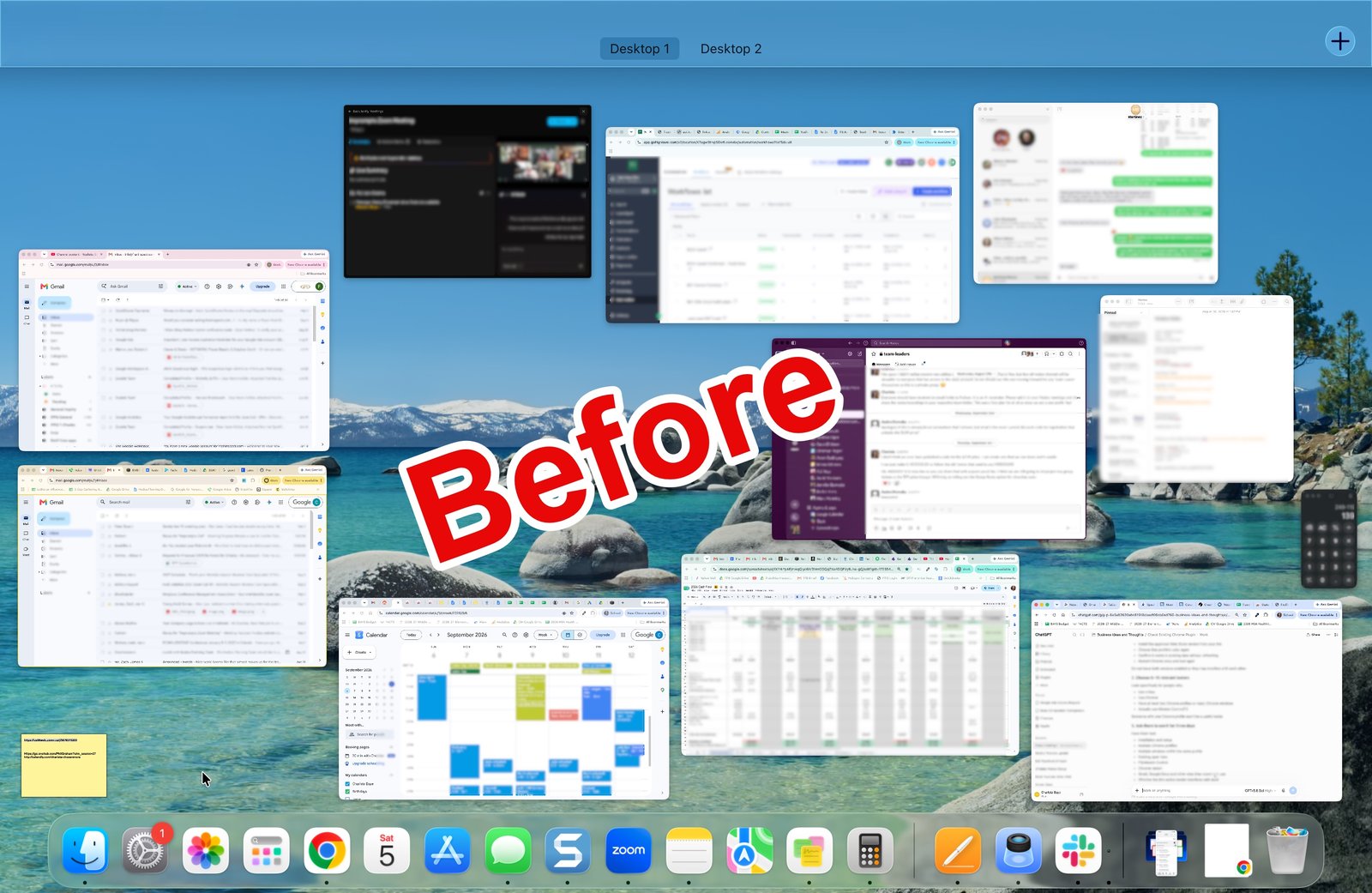
Mac Mission Control before Profile Border: many Chrome windows that look nearly identical.
Before
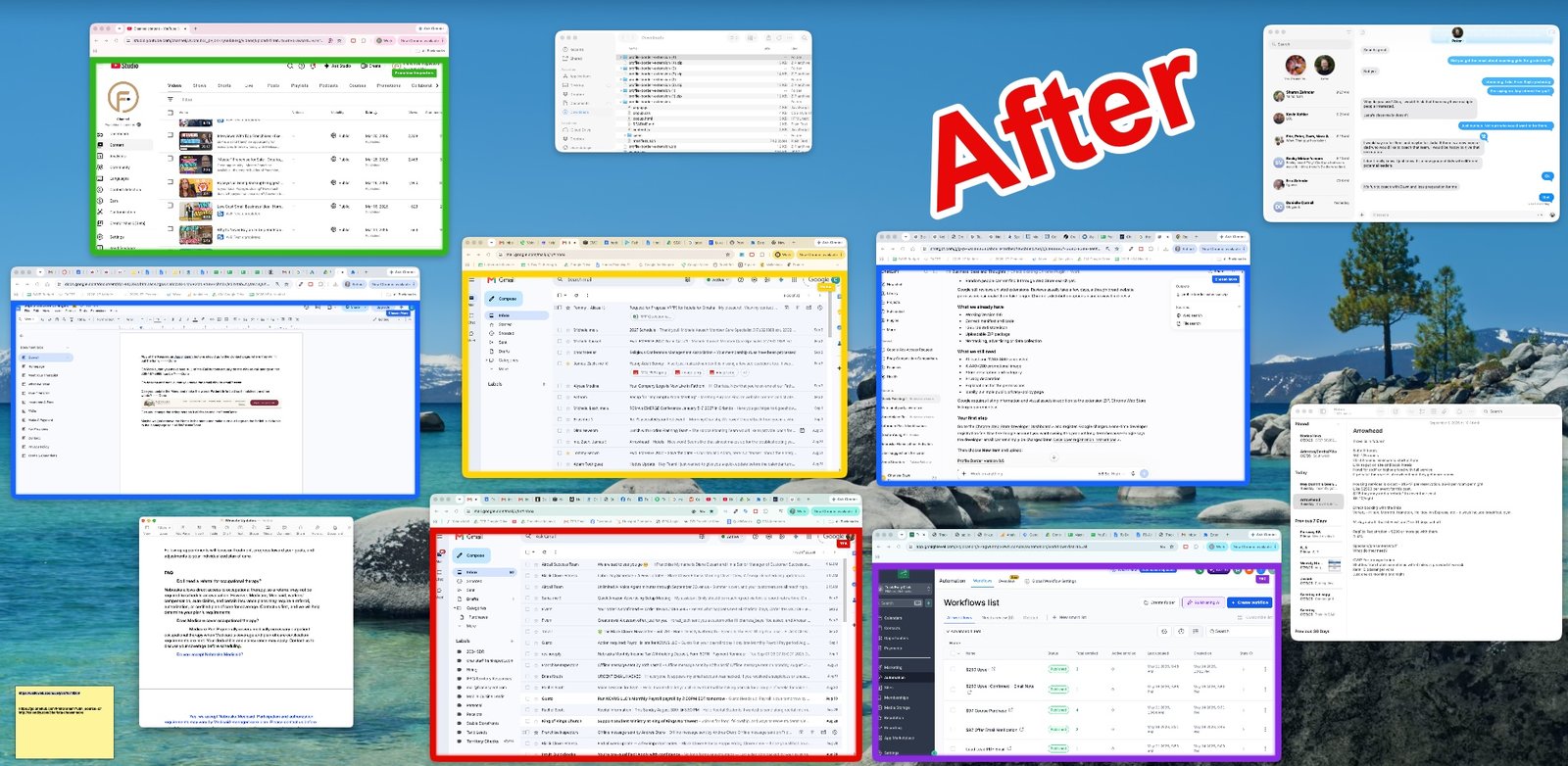
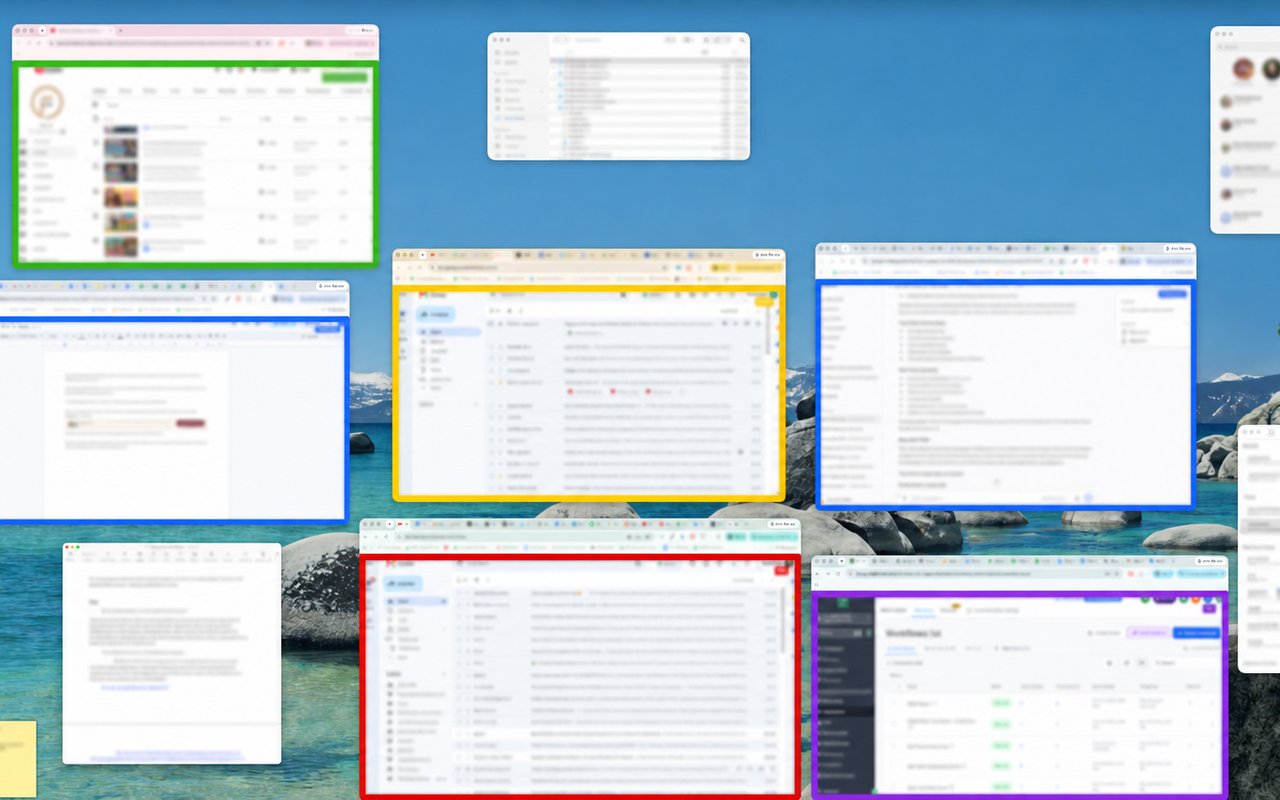
Mac Mission Control after Profile Border: Chrome windows outlined in green, yellow, blue, red, and purple so each profile stands out.
After

Try It Free. Keep It for $9.99.

No complicated plans or ongoing subscriptions.

7-Day Free Trial

Experience Profile Border on your own Chrome profiles before deciding to purchase.

$9.99 One-Time Payment

After your trial, unlock continued use with a one-time payment. No monthly subscription.

Multiple Chrome Profiles

Purchased access can be restored in additional Chrome profiles by signing in with the same email address.

Start Your Free 7-Day Trial

The extension is free to install. Continued use after the trial requires payment.

Frequently Asked Questions

How can I tell different Chrome profiles apart?

You can customize each Chrome profile's built-in theme and profile icon. For more noticeable visual identification, Profile Border is a Chrome extension that adds customizable colored borders to Chrome windows. You can assign a different color to each profile to make your accounts easier to recognize.

Is there a Chrome extension that adds colored borders to browser windows?

Yes. Profile Border adds customizable colored borders around supported Google Chrome website windows. You can adjust the colors, thickness, and optional glow, and save different preferences for each Chrome profile.

How do I identify Chrome profiles in Mac Mission Control?

Install Profile Border in each Chrome profile and assign different border colors. When supported Chrome windows are shown in Mac Mission Control, their colored borders help you distinguish the profiles more easily.

Does Profile Border work on Windows?

Yes. Profile Border supports Google Chrome on both Mac and Windows. Its colored borders can help you distinguish between Chrome windows, including when using Windows Task View.

Can I assign a different border color to each Chrome profile?

Yes. Each Chrome profile saves its own settings, so you can choose different colors, border thicknesses, glow effects, and labels.

Does Profile Border work with multiple Google accounts?

Yes. If you're using separate Chrome profiles for different Google accounts, you can install Profile Border in those profiles and assign distinct colors. Profile Border does not switch accounts for you; it helps you visually identify your Chrome windows.

Is Profile Border free?

Profile Border includes a free 7-day trial. After the trial, continued use costs $9.99 as a one-time purchase, with no monthly subscription.

Do I need to pay separately for every Chrome profile?

No. Purchased access can be restored in another Chrome profile by signing in with the same email address.

Will Profile Border appear on every Chrome page?

Not every page. Chrome restricts extensions from modifying certain protected pages, including Chrome settings, the Chrome Web Store, and some new-tab pages. Profile Border displays its borders on supported normal website pages.

Does Profile Border read my browsing history?

Profile Border does not read or collect your browsing history, website content, clicks, communications, or location. Border preferences are stored locally in each Chrome profile. ExtensionPay and Stripe handle the information necessary for trials, purchases, and license verification.

Read the full Profile Border Privacy Policy.

Profile Border logo

Stop Searching for the Right Chrome Window.

Start recognizing it instantly.

Give every Chrome profile its own color with Profile Border. Spend less time figuring out which window you're in and more time getting things done.

Try Profile Border Free

7-day free trial · $9.99 one-time payment · Available for Google Chrome on Mac and Windows